

ForcePod Product Presentation
Introduction to the capabilities of ForcePod to capture any type of force interaction
EnergyPod Product Presentation
Product presentation for EnergyPod to measure minimum closing energy, speed and more
EnergyPod Calibration Solutions
Learn more about different options to maintain and calibrate your EnergyPod
EnergyPod Logo Black
EnergyPod Product Logo Black

EnergyPod Logo White
EnergyPod Product Logo White

EnergyPod Logo Green
EnergyPod Product Logo Green
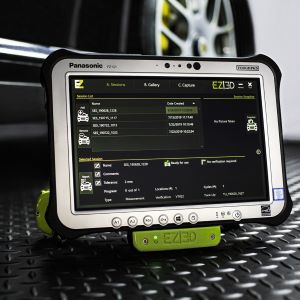
EZ3D in Front of Car
Photo of EZ3D on metal tread Panasonic toughpad screen is displayed

EZ3D System
EZ3D device displayed with white background
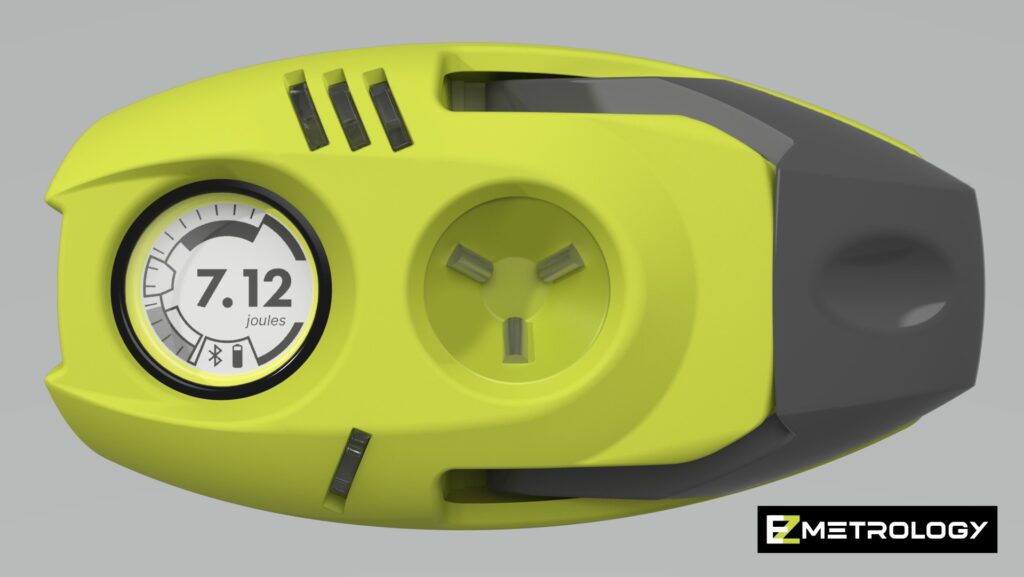
EnergyPod Rendering Measurement Screen Front View
EnergyPod with measurement screen

Pinch Connected to ForcePod
Pinch Sensor connected to ForcePod
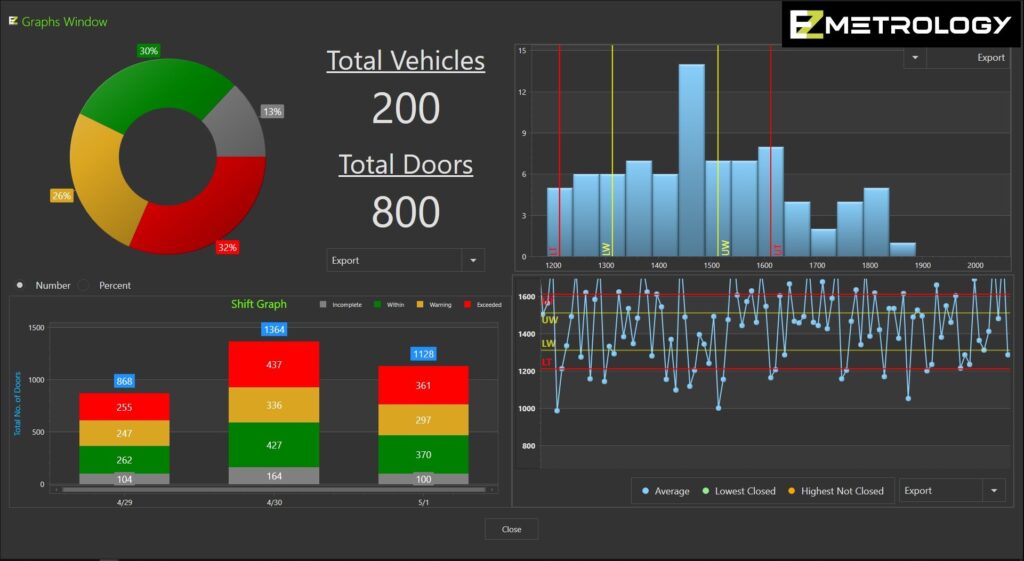
PLS Graphs Screen
Screenshot of graphs screen for PLS software

PLS Flat Screen Offset with EZM Logo
Image of PLS used with EZSpeed on truck production line
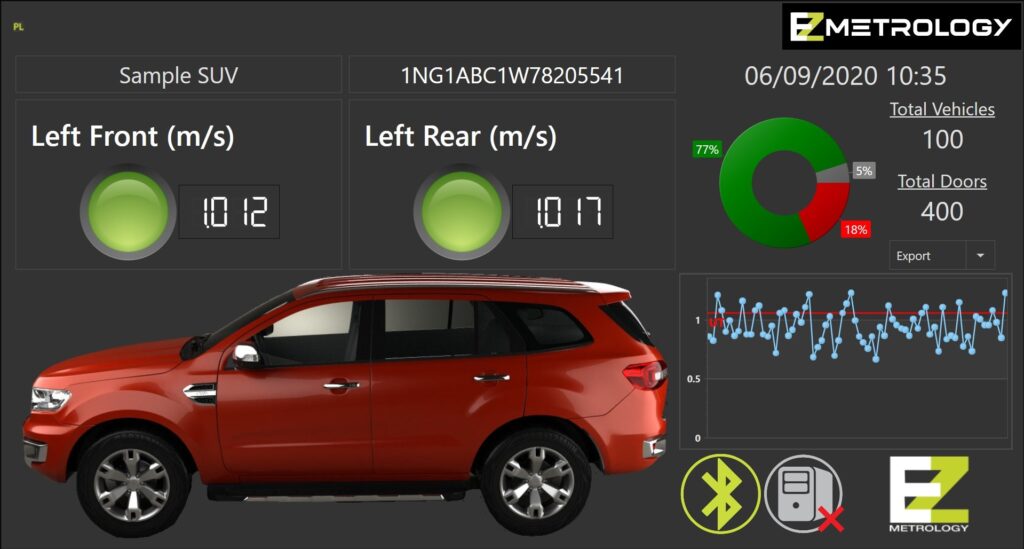
PLS Screen SUV with Trend and Pie Charts
Screenshot of PLS software screen when used to monitor SUV production line
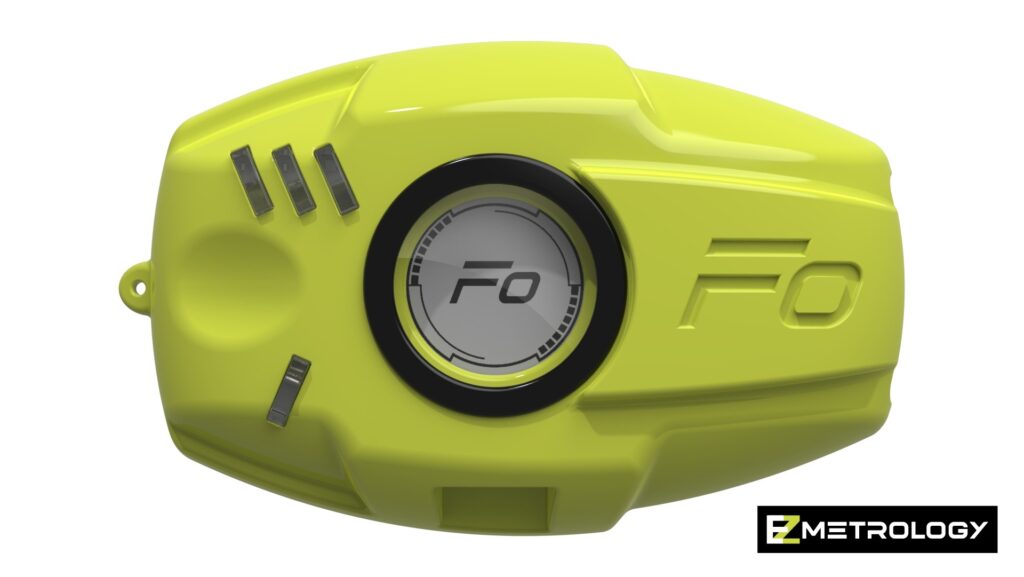
ForcePod Rendering on White Background
ForcedPod device
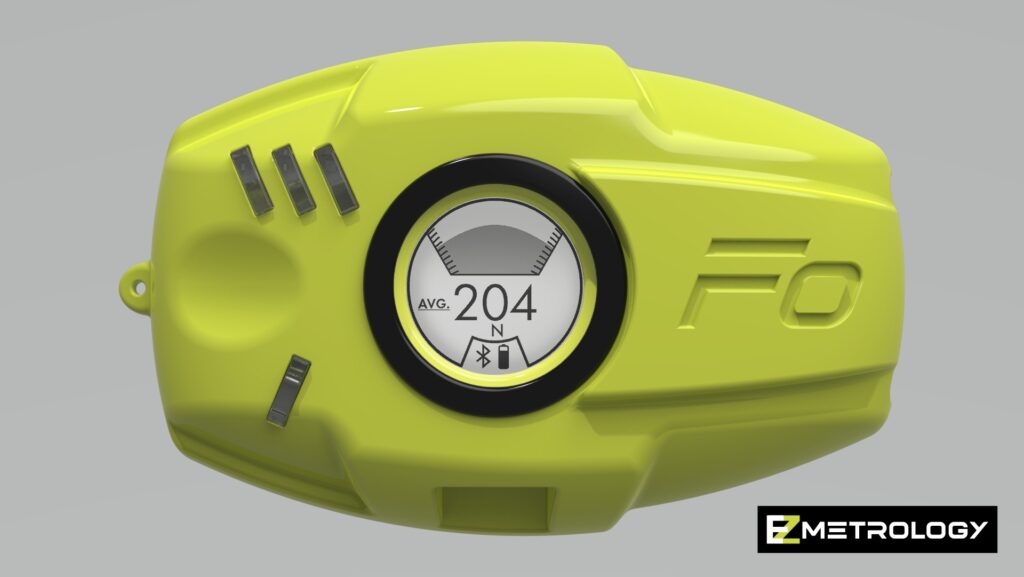
ForcePod Rendering Measurement Screen Front View
ForcePod displaying the measurement screen