
Skip to content
  • Home
  • Products
    • Pods Platform
      • SpeedPod
      • EnergyPod
      • ForcePod
      • PressurePod
      • SensorPod
      • ForceBay
      • SpeedBay
    • Door Kit
      • EZSpeed
      • EZPressure
      • EZEnergy
    • Door Analysis
      • EZSlam
      • SealScan
    • Software
      • IOManager
      • PLS
      • Audit
    • Vision Systems
      • EZMotion
      • EZ3D
    • WindowSetter
  • Browse Library
  • FAQs
  • Home
  • Products
    • Pods Platform
      • SpeedPod
      • EnergyPod
      • ForcePod
      • PressurePod
      • SensorPod
      • ForceBay
      • SpeedBay
    • Door Kit
      • EZSpeed
      • EZPressure
      • EZEnergy
    • Door Analysis
      • EZSlam
      • SealScan
    • Software
      • IOManager
      • PLS
      • Audit
    • Vision Systems
      • EZMotion
      • EZ3D
    • WindowSetter
  • Browse Library
  • FAQs
Login
Log Out
Popular searches: audit door ezenergy speed speedpod

Browse Library

Browse Library

Filtered (10)
Filters
  • Reset all ×
  • Image ×
  • ForcePod ×
  • PressurePod ×
  • Current ×

10 posts found

Expertise
Show (10)
Cancel
  • Reset all ×
  • Image ×
  • ForcePod ×
  • PressurePod ×
  • Current ×
Filters
Filters


Show (10)
Cancel

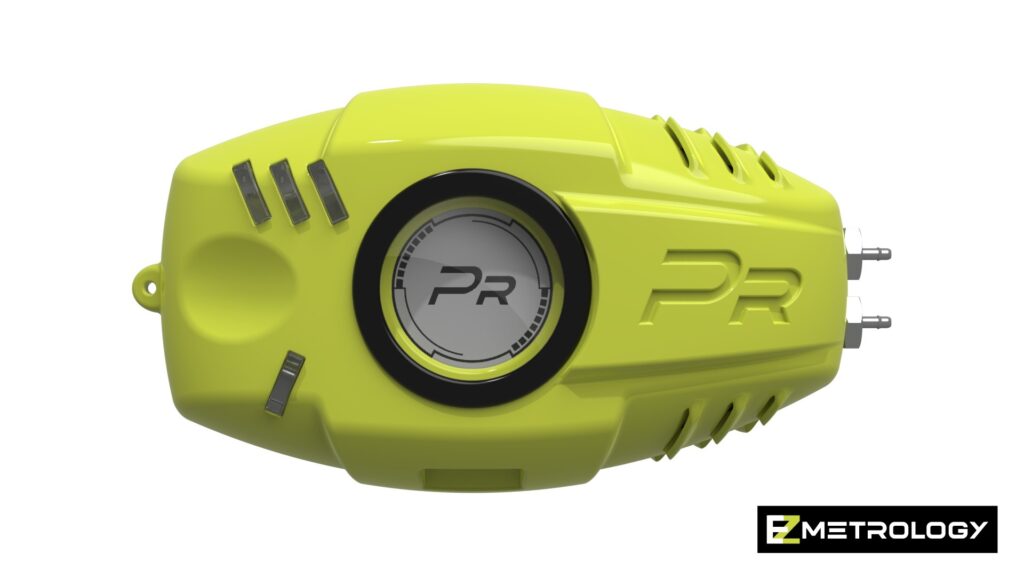
PressurePod Rendering on White Background

PressurePod device

Pinch Connected to ForcePod

Pinch Sensor connected to ForcePod
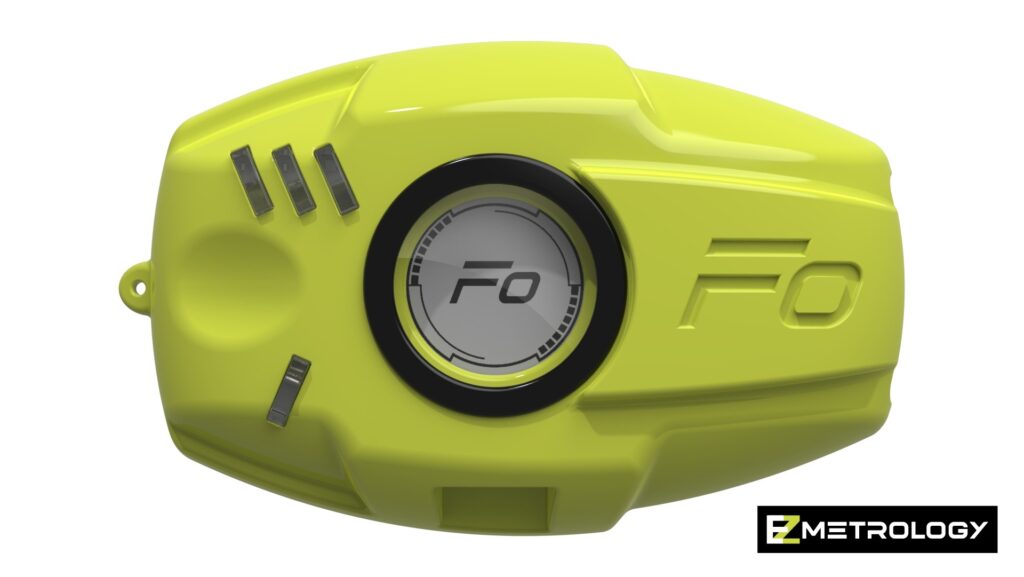
ForcePod Rendering on White Background

ForcedPod device
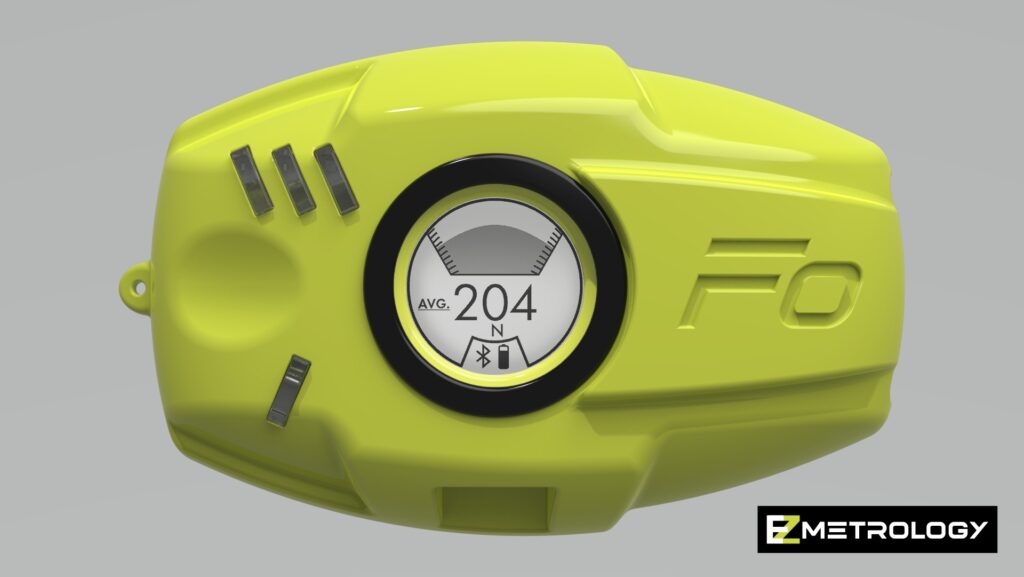
ForcePod Rendering Measurement Screen Front View

ForcePod displaying the measurement screen

ForcePod with Load Cell Connected

ForcePod connected to a Load Cell

PressurePod Logo Black

PressurePod Product Logo Black

PressurePod Logo White

PressurePod Product Logo White

PressurePod Logo Green

PressurePod Product Logo Green

MyPod Logo White Border

MyPod Product Logo White

MyPod Logo

MyPod Product Logo Black

© 2023 EZMetrology

    Please provide a valid email to gain access to our Portal.